Components / layout
ScrollArea builder
A scrollable region.
A builder is RenderOnce. Construct and mount it in one expression.
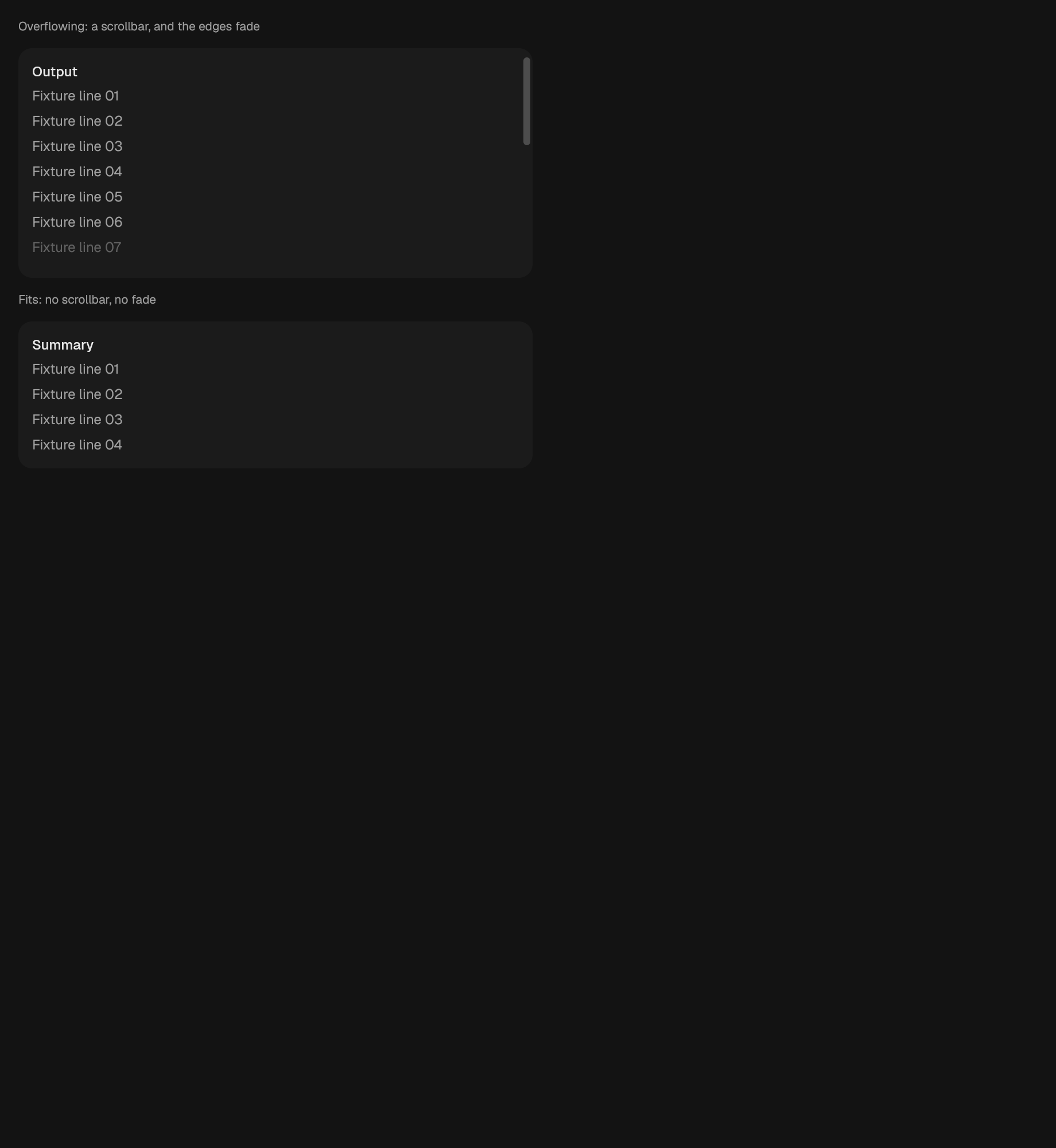
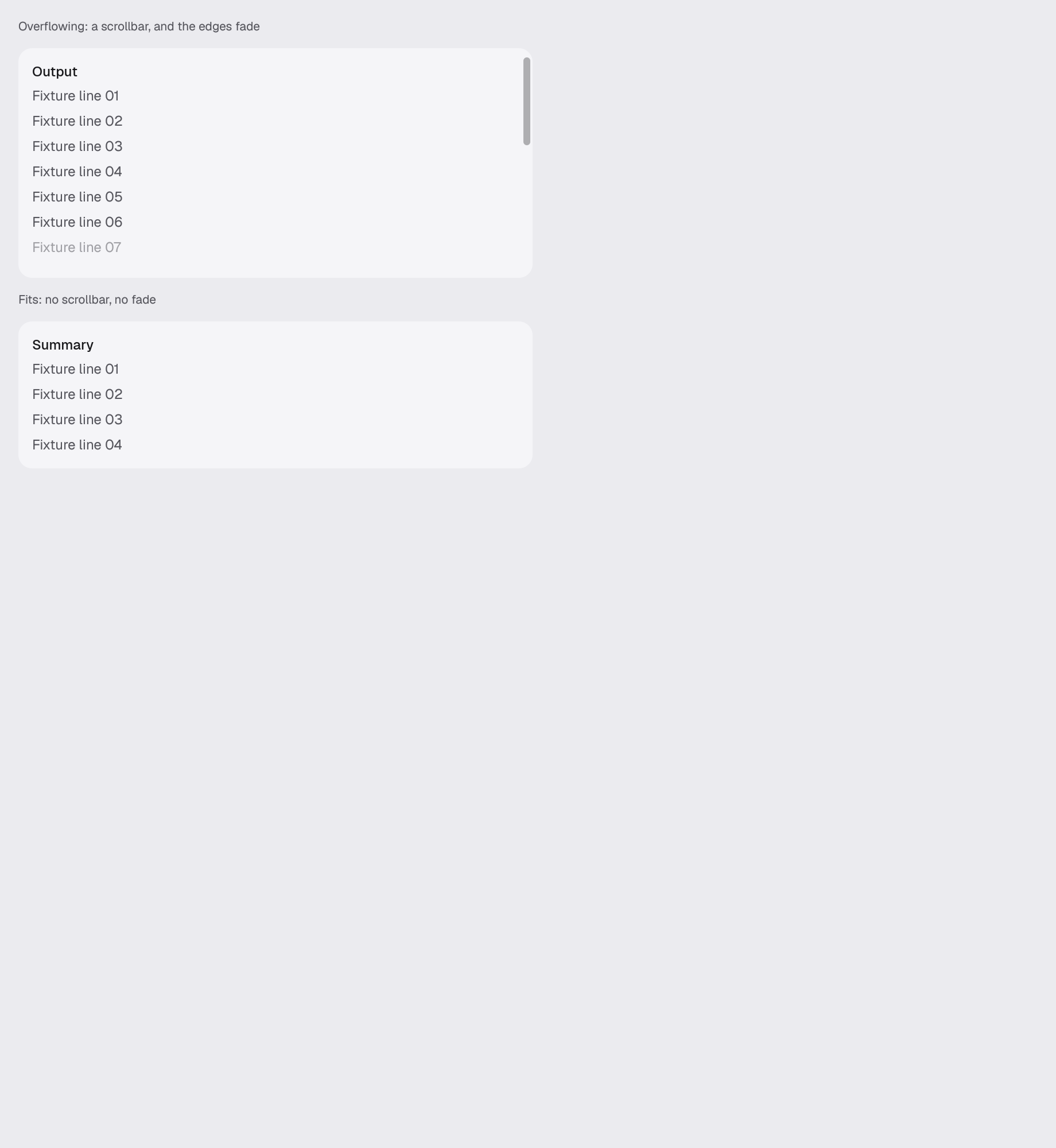
use gpui_kit::layout::ScrollArea;Reviewed in scroll-area scroll-shadow.
Construct
new(ident: impl Into<Ident>) -> SelfOptions
Chain onto the value.
bound_to(target: impl ScrollTarget + 'static) -> Self
axis(axis: ScrollAxis) -> Self
vertical() -> Self
horizontal() -> Self
both() -> Self
label(label: impl Into<SharedString>) -> Self
width(width: f32) -> Self
fit_height() -> Self
height(height: f32) -> Self
child(content: impl IntoElement) -> Self
Example · scroll-area
fn scroll_area(_window: &mut Window, cx: &mut App) -> AnyElement {
    let theme = cx.theme().clone();
    stack(&theme)
        .w(px(480.0))
        .child(caption(
            &theme,
            "Overflowing: a scrollbar, and the edges fade",
        ))
        .child(
            div()
                .surface(&theme, Surface::Panel)
                .radius(&theme, Radius::Card)
                .overflow_hidden()
                .child(
                    ScrollArea::new("scene.scroll.output")
                        .label("Run output")
                        .vertical()
                        .height(200.0)
                        .child(filler(&theme, "Output", 20)),
                ),
        )
        // Nothing overflows here, so no scrollbar is drawn or published and
        // no edge fades. The area is as tall as what it holds rather than a
        // height guessed at and hoped to be enough: a box a few pixels short
        // of its content draws the scrollbar and the fade of the card above
        // while claiming to be the card that does neither.
        .child(caption(&theme, "Fits: no scrollbar, no fade"))
        .child(
            div()
                .surface(&theme, Surface::Panel)
                .radius(&theme, Radius::Card)
                .overflow_hidden()
                .child(
                    ScrollArea::new("scene.scroll.summary")
                        .label("Summary")
                        .vertical()
                        .fit_height()
                        .child(filler(&theme, "Summary", 4)),
                ),
        )
        .into_any_element()
}