Components / layout
AspectRatio builder
A container whose two dimensions stay in a fixed ratio.
A builder is RenderOnce. Construct and mount it in one expression.
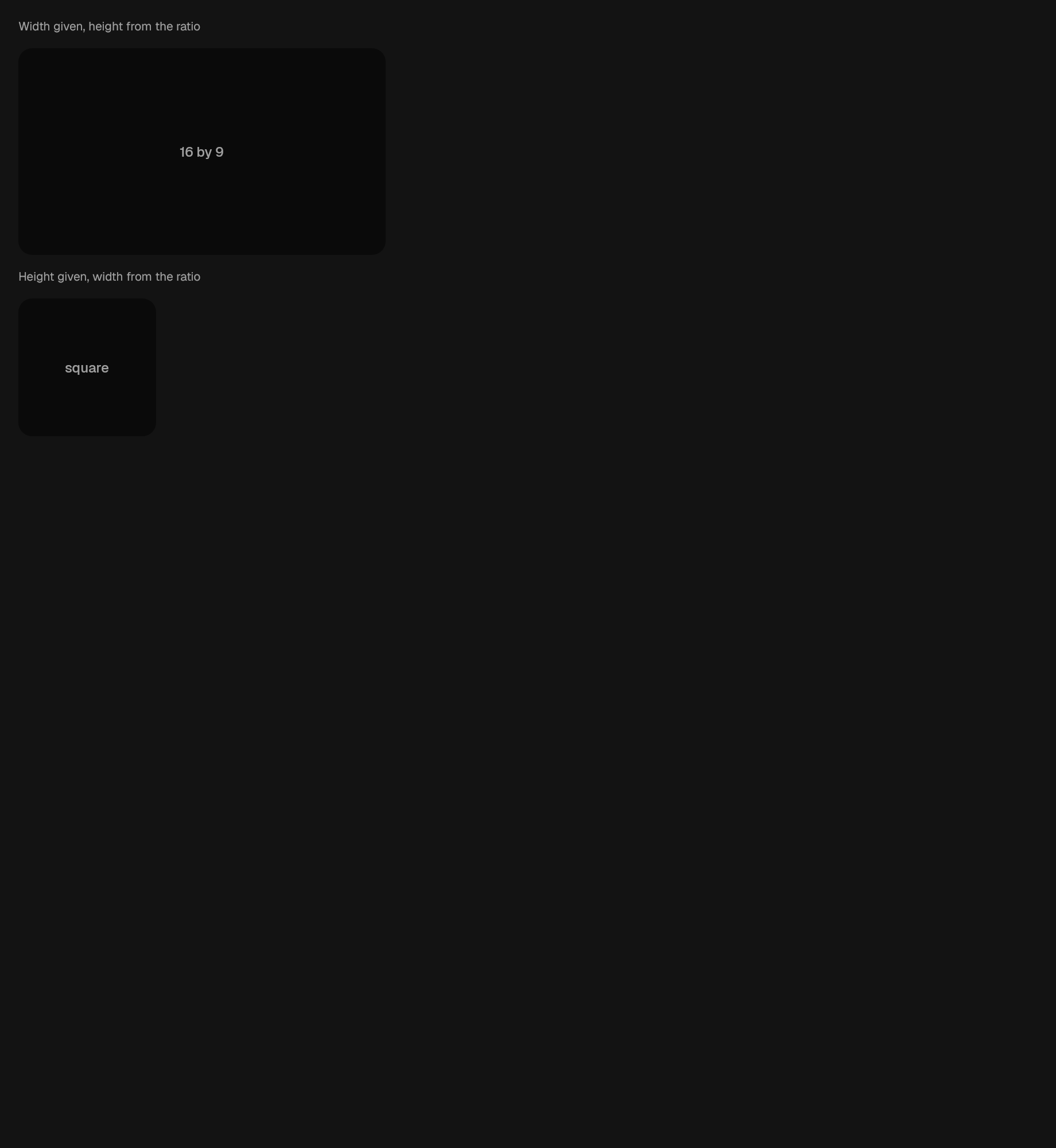
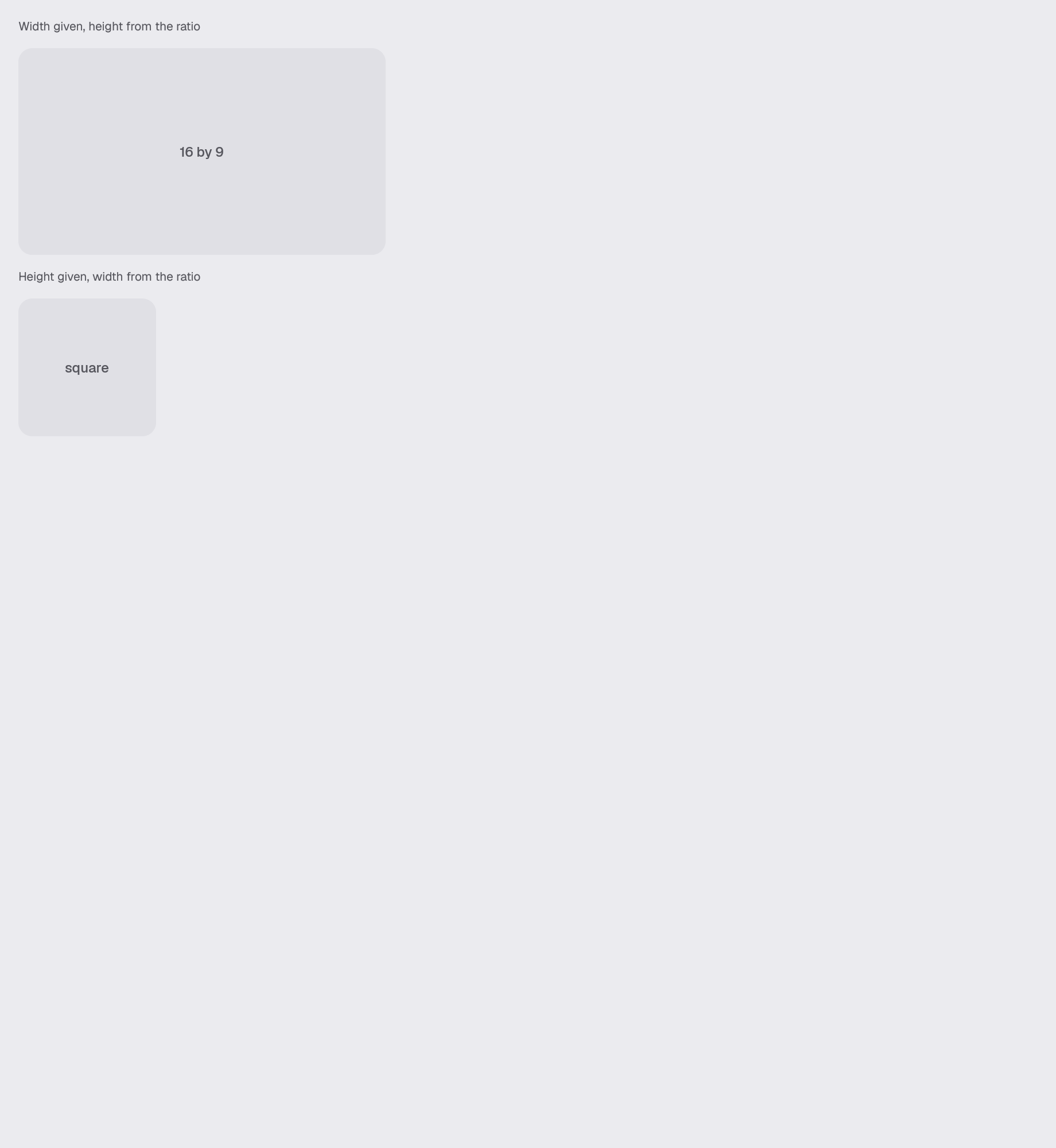
use gpui_kit::layout::AspectRatio;Reviewed in aspect-ratio.
Construct
new(ident: impl Into<Ident>, ratio: f32) -> Self
of(ident: impl Into<Ident>, width: f32, height: f32) -> Self
Options
Chain onto the value.
fit(fit: AspectFit) -> Self
width_driven() -> Self
height_driven() -> Self
child(child: impl IntoElement) -> Self
Queries
Only answer; they change nothing.
ratio() -> f32Example · aspect-ratio
fn aspect_ratio(_window: &mut Window, cx: &mut App) -> AnyElement {
    let theme = cx.theme().clone();
    // The ratio is the subject, so the block it drives is drawn the way every
    // other bounded region in the library is: a surface step, the card radius,
    // and its label inside it.
    let filled = |label: &'static str| {
        div()
            .size_full()
            .flex()
            .items_center()
            .justify_center()
            .surface(&theme, Surface::Sunken)
            .radius(&theme, Radius::Card)
            .overflow_hidden()
            .child(
                crate::foundation::text(&theme, TypeScale::Label, label)
                    .text_tone(&theme, TextTone::Muted),
            )
    };
    stack(&theme)
        .child(caption(&theme, "Width given, height from the ratio"))
        .child(
            div().w(px(320.0)).child(
                AspectRatio::of("scene.aspect.wide", 16.0, 9.0)
                    .width_driven()
                    .child(filled("16 by 9")),
            ),
        )
        .child(caption(&theme, "Height given, width from the ratio"))
        .child(
            div().h(px(120.0)).child(
                AspectRatio::new("scene.aspect.square", 1.0)
                    .height_driven()
                    .child(filled("square")),
            ),
        )
        .into_any_element()
}